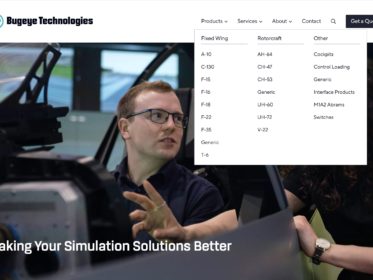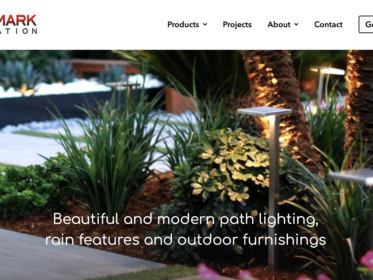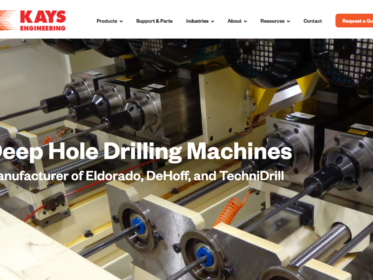
When over 70% of your website traffic comes from business people at work on their desktops, website navigation is hugely important.
You don’t want to waste people’s time. You want them to quickly find what they’re looking for.
Shortly after I moved my ongoing marketing clients to Matomo Analytics, I began using Matomo’s Heat Map tool. This tool shows which areas of a web page get clicks and viewed the most.
Within a week, I could see how important the top navigation is to a manufacturing website.
Why? Because people use it to find what they need (namely, Products / Services) — without scrolling to see what else is on the page.
Behind the scenes . . .
For the manufacturers I work with, desktop users comprise approximately 75% or more of website visits; conversions from desktop are even higher.
The issue, however, is that many WordPress theme designers have eliminated the top navigation and have replaced it with the hamburger icon. Hence, people think it’s standard practice or even “cool.” (Ugh.)
Fact: The hamburger icon is used to denote the menu when users view a website on a mobile device, such as a phone or tablet. It gets its name from the three horizontal bars which comprise it. Users tap it to open a large drop-down menu.
The screenshot below is from my iPad; I’ve highlighted the hamburger icon in the right corner.

This next screenshot is from my desktop (or MacBook), which shows the full top navigation. Now website visitors can find what they need very quickly without to click an icon to view the menu. (Not shown is the mega menu for the Services section.)
Replacing the standard top nav with the hamburger icon confuses people — which in turn reduces RFQ form conversions and/or them leaving the website altogether.
Recommendation: Stick with your standard top nav. It works!

If you’re a manufacturer considering a website redesign, and you want a expert team who absolutely understands and combines manufacturing, marketing, and website design, view our Custom Build Website service.